Copy the Caption Link
Go to Instagram, find the post with your favorite caption, tap the three dots (•••), and select "Copy Link."


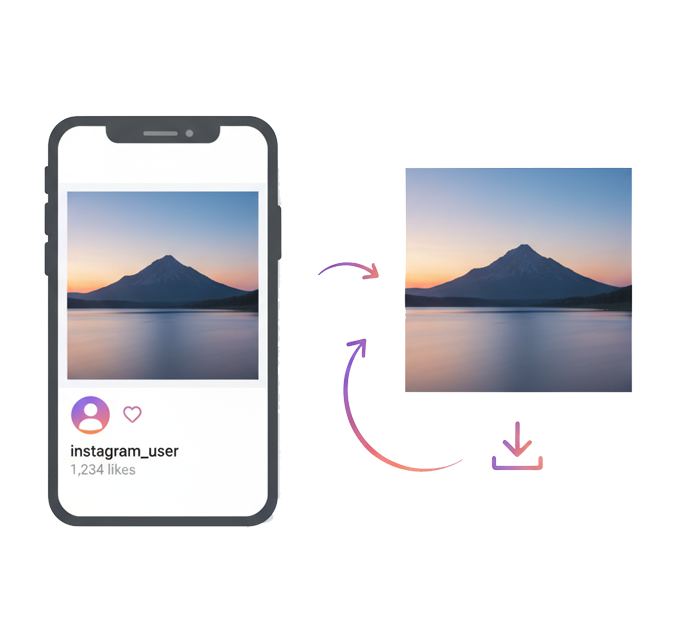
Looking for a quick and reliable way to download Instagram photos without taking screenshots or losing quality? instagramdownloader’s Instagram Photo Downloader makes saving high-resolution pictures simple and hassle-free. No matter how many photos you need to download, the process is instant and seamless.
Just paste the link to the public Instagram post, and our downloader will fetch the photo and let you save it with a single click. The service is 100% free, works on mobile and desktop, and doesn’t require login or app installation. This tool helps you keep memories, ideas, or visuals from Instagram safe and accessible anytime.
Our online tool makes the process easy! Let’s see how to copy an Instagram caption in just a few simple steps:
Go to Instagram, find the post with your favorite caption, tap the three dots (•••), and select "Copy Link."
Now open the website and paste the link into the copy caption box.
Hit "Download," and instantly grab the caption; no sign-up, no hassle, just pure convenience!

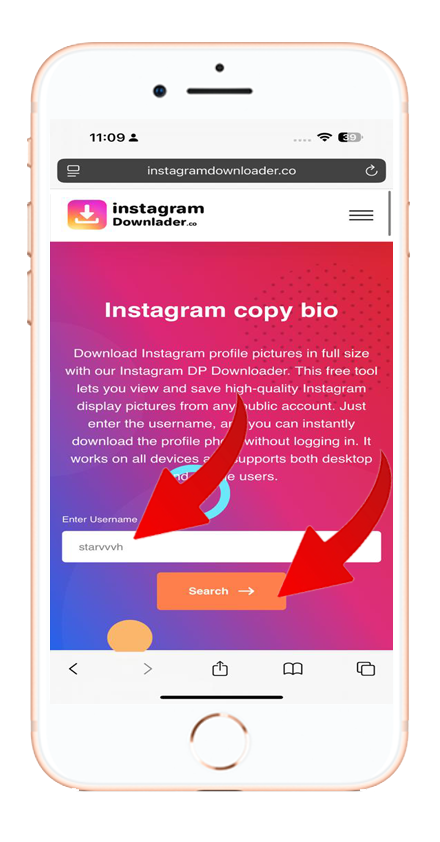
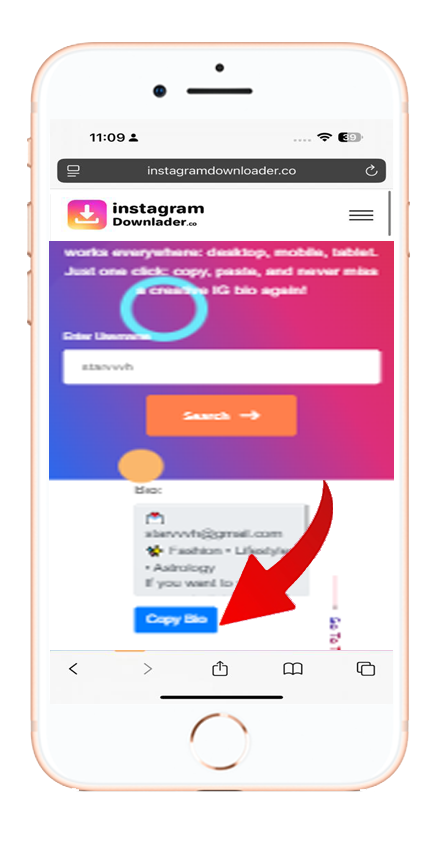
Need a fast and free way to download Instagram content? instagramdownloader offers powerful tools to save Reels, Stories, Bios, and more in seconds.
Simply copy the post link, paste it into the instagramdownloader Instagram photo downloader, and click download. No login needed.


