Copy the Caption Link
Go to Instagram, find the post with your favorite caption, tap the three dots (•••), and select "Copy Link."



Instagram Stories disappear after 24 hours, but sometimes you want to save them permanently. Whether it’s a moment you liked, a design you admire, or information you want to keep, saving stories manually is frustrating and limited. That’s why you need a fast, free Instagram Story downloader that works without login.
With instagramdownloader, you can download Instagram stories in seconds. No app. No watermark. No account required. Just paste the username and view all available stories. Our tool saves each story in its original quality and supports both video and image formats. It’s unlimited, anonymous, and works smoothly on any device.
Our online tool makes the process easy! Let’s see how to copy an Instagram caption in just a few simple steps:
Go to Instagram, find the post with your favorite caption, tap the three dots (•••), and select "Copy Link."
Now open the website and paste the link into the copy caption box.
Hit "Download," and instantly grab the caption; no sign-up, no hassle, just pure convenience!

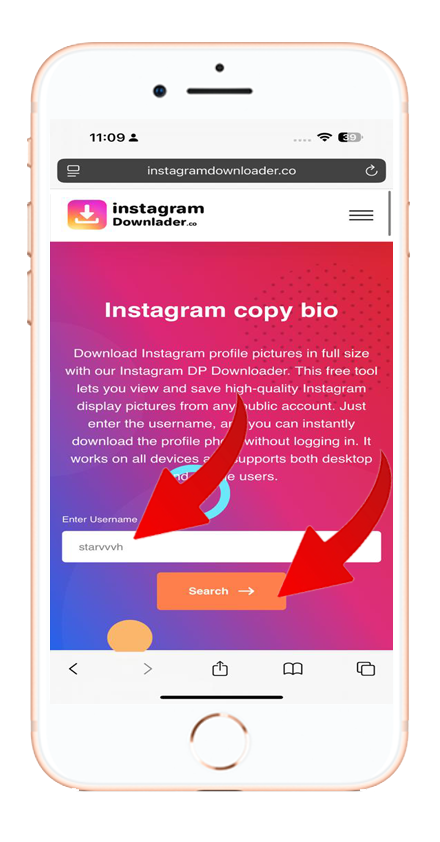
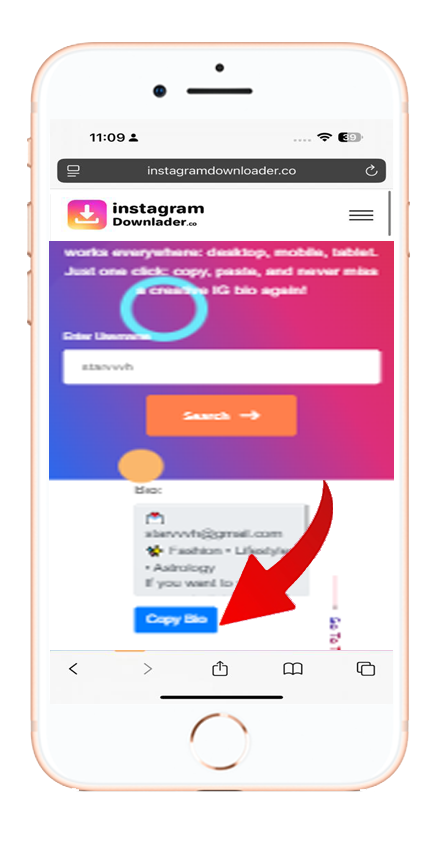
Need a fast and free way to download Instagram content? instagramdownloader offers powerful tools to save Reels, Stories, Bios, and more in seconds.
Paste the Instagram username into our story downloader, view available stories, and download each one in original quality.


