Copy the Caption Link
Go to Instagram, find the post with your favorite caption, tap the three dots (•••), and select "Copy Link."


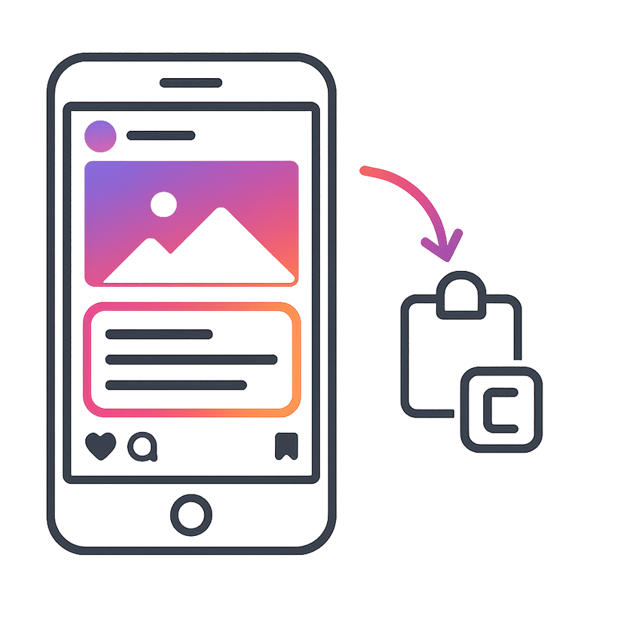
Ever wanted to copy a funny, inspiring, or informative Instagram caption but couldn’t? Instagram doesn’t allow users to directly select and copy captions or post text. That’s where our free Instagram Caption Copy Tool becomes your best friend.
With instagramdownloader, you can extract and copy captions from any public post or reel instantly – no login, app install, or screenshots required. Just paste the link, click copy, and get clean, ready‑to‑paste text. It’s quick, unlimited, and works seamlessly on Android, iOS, and desktop. Whether you’re saving quotes, reusing hashtags, or collecting text for inspiration, this tool makes the process effortless.
Our online tool makes the process easy! Let’s see how to copy an Instagram caption in just a few simple steps:
Go to Instagram, find the post with your favorite caption, tap the three dots (•••), and select "Copy Link."
Now open the website and paste the link into the copy caption box.
Hit "Download," and instantly grab the caption; no sign-up, no hassle, just pure convenience!

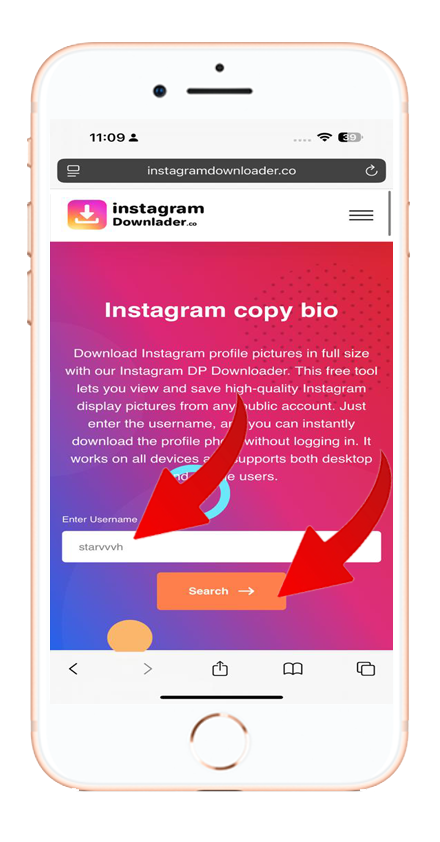
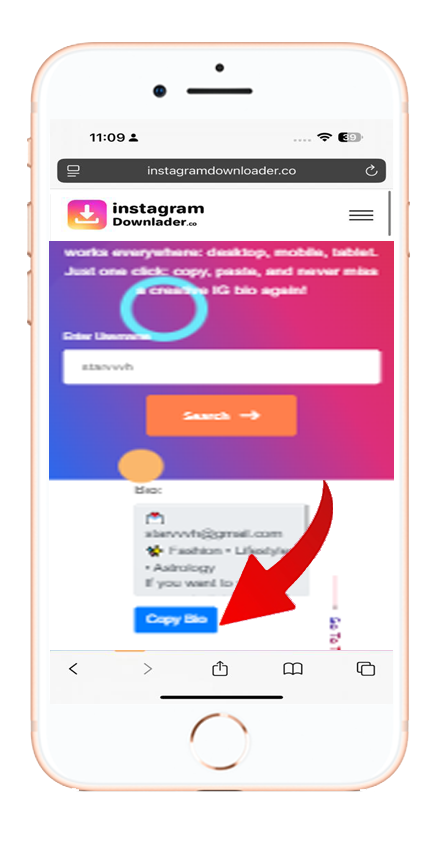
Looking for the fastest and easiest way to copy Instagram captions online? With instagramdownloader, you can download and paste any post or reel text instantly – free and without login.
Paste the link of the Instagram post or reel into our Caption Copy Tool, click “Copy,” and the text will be ready to paste anywhere you like without formatting issues.


